UX researchers
Capture session evidence, task outcomes, hesitation points, and rage click signals without stitching together separate tools.
Record any macOS flow, then use heatmaps, rage click detection, task markers, session replay, and exports to show exactly where users hesitate or struggle.
Use cases
Replace vague feedback with visible interaction evidence: what users tried, where they paused, what they clicked, and what changed after each iteration.
Capture session evidence, task outcomes, hesitation points, and rage click signals without stitching together separate tools.
Turn review sessions into stakeholder-ready findings with visual proof, before-and-after comparisons, and exportable evidence.
Show where attention moved during flow reviews, then use heatmaps and replay to guide the next UI iteration.
Run lightweight usability checks on any macOS app without committing to a heavyweight research suite.
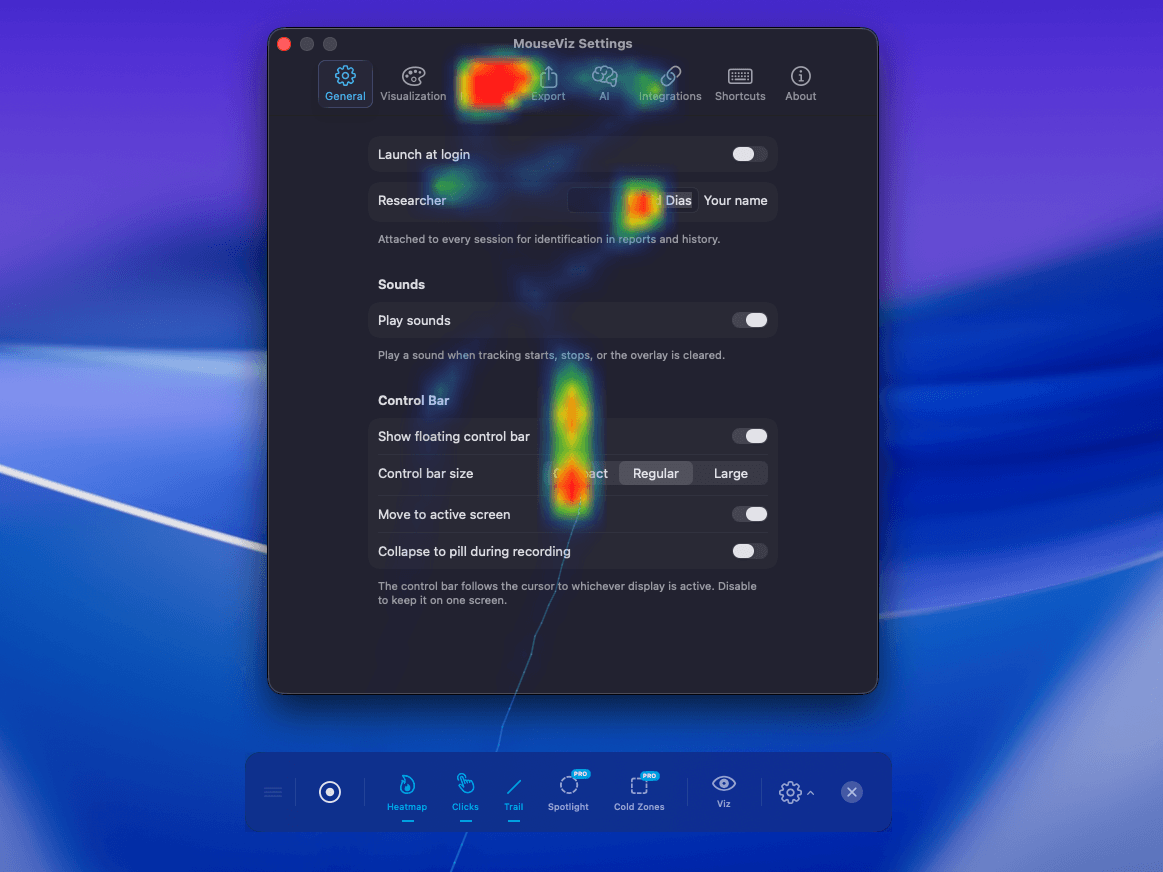
The only macOS app that tracks and visualizes your mouse movement density as a beautiful heatmap. Perfect for identifying friction points and high-engagement areas in your UI that native macOS tools simply can't see.
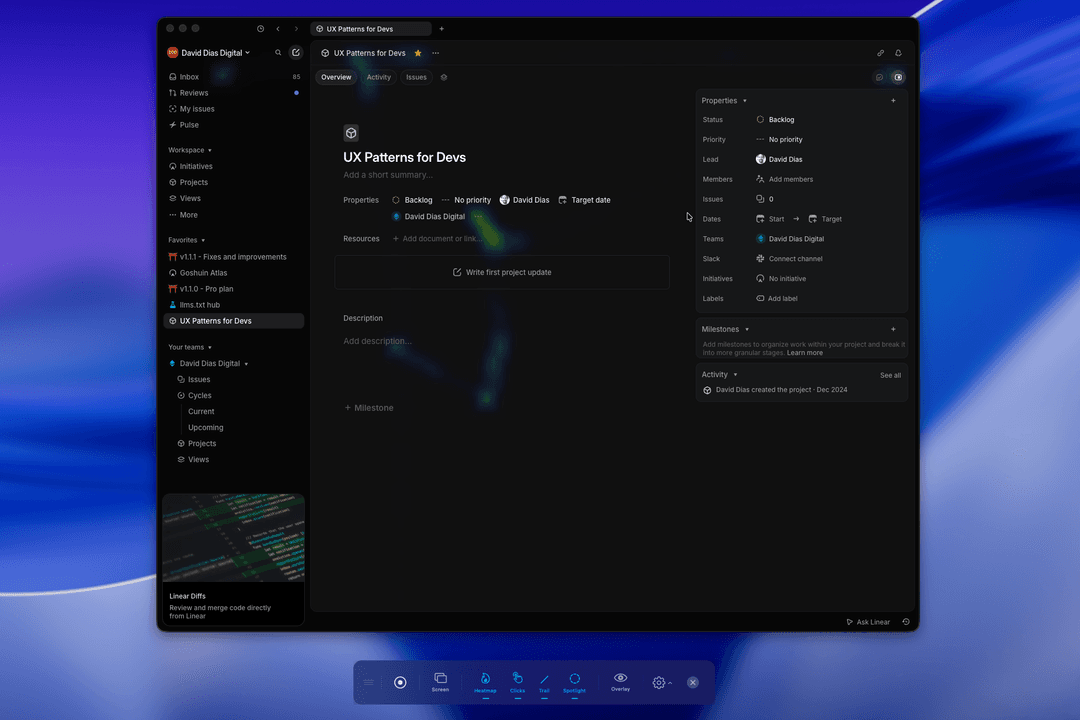
Eliminate visual noise during stakeholder presentations. Spotlight mode dims the interface to highlight exactly where your cursor is, keeping the conversation focused on the current flow.
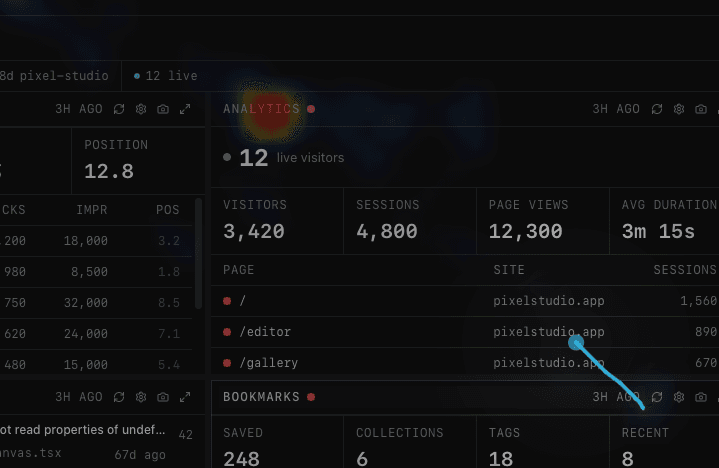
Make every gesture explicit. Animated click pulses and customizable trails provide high-fidelity visual feedback, ensuring developers and testers never miss a micro-interaction.
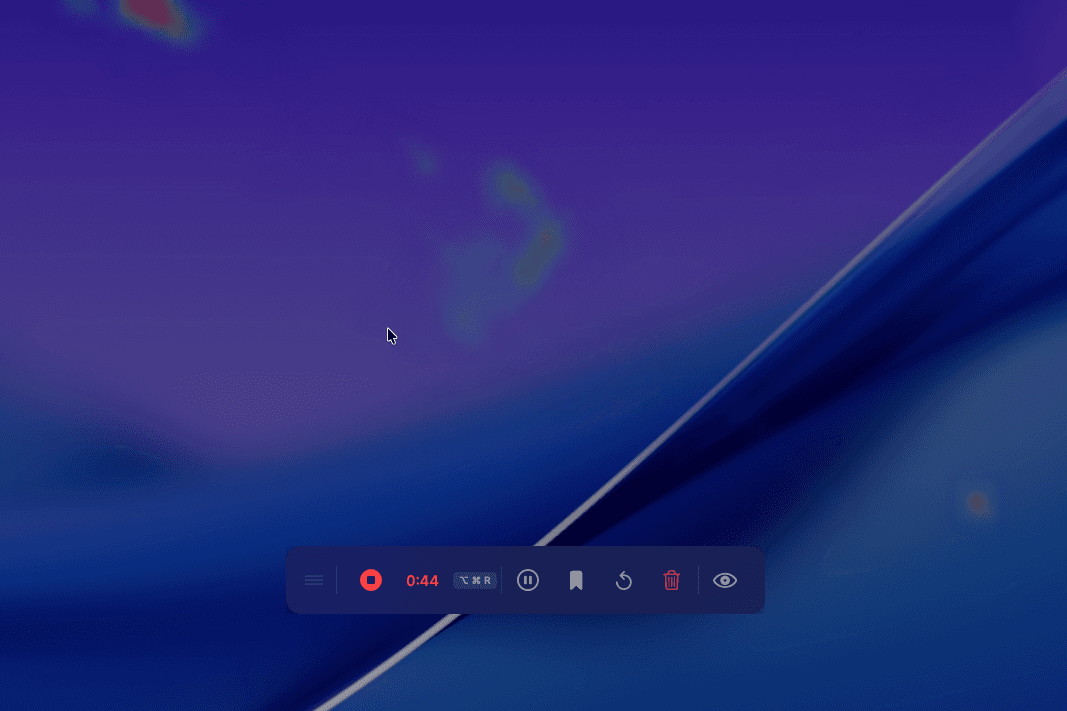
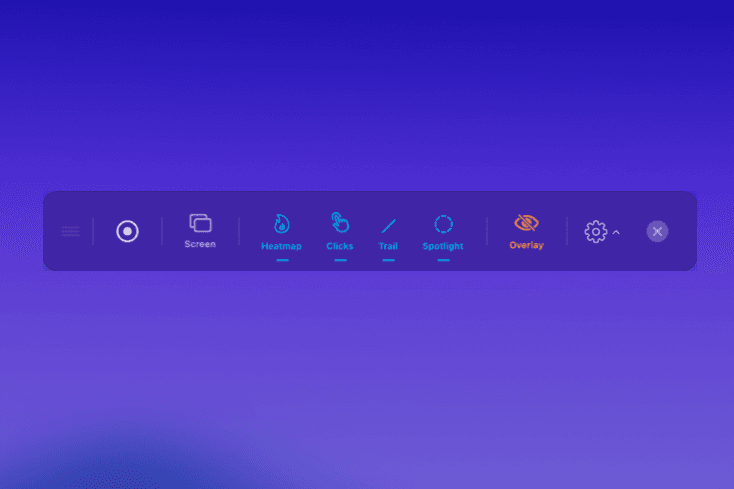
Quickly toggle features, clear the overlay, or start exports from a convenient floating bar that stays exactly where you need it.
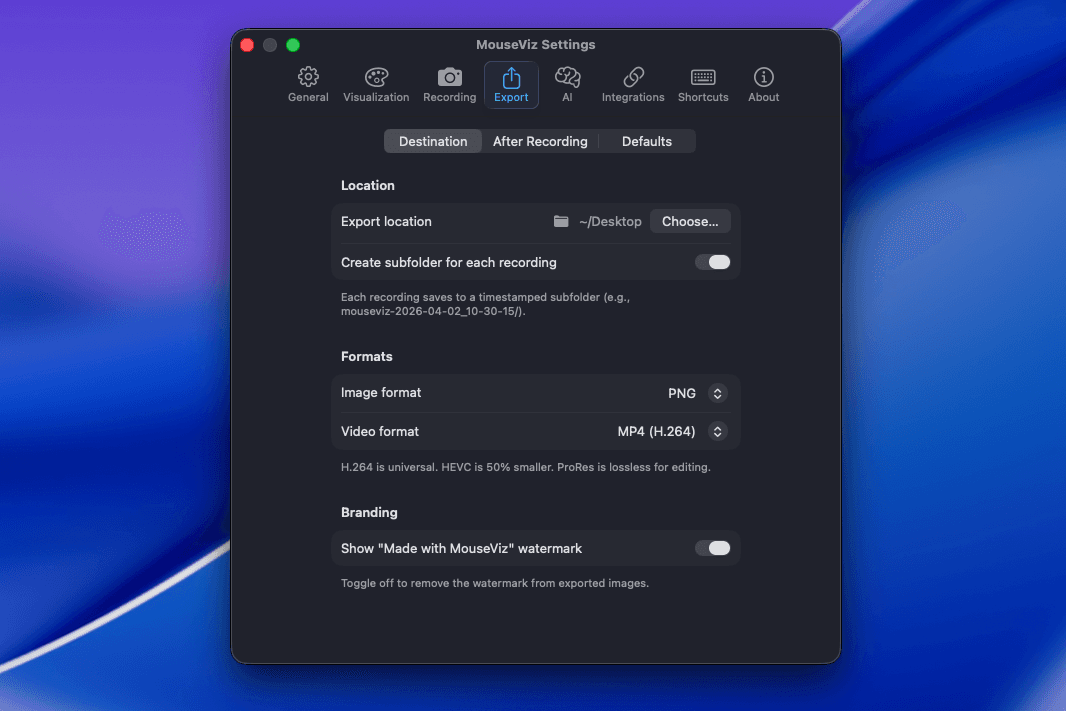
Save your visualizations as high-quality images or videos, and manage your tracking history with built-in session management.
Describe your study in plain English — AI generates structured task scripts with timing and success criteria.
A floating sidebar guides your session. Pass, fail, or skip tasks — markers created automatically.
Play back any session with the heatmap building in real time. Scrub the timeline to any moment.
Trim, annotate, and burn heatmaps directly onto your recording. Export as MP4.
Optimized for M-series and Intel Macs. Low latency, excellent battery life.
First-click, hesitation detection, attention flow, click clustering, scroll depth, and more.
Core mouseviz:// deep links are available at launch, with richer integrations planned after v1.0.x.
Apple provides basic accessibility, but Product Owners need more. MouseViz is the missing lens for high-fidelity reviews.
| Feature | Native macOS | MouseViz |
|---|---|---|
| Highlight Clicks | Yes | Yes |
| Enlarge Cursor | Yes | Yes |
| Real-time Heatmap | No | Yes |
| Behavioral Analysis | No | Yes |
| Design Overlays | No | Yes |
| Keynote Mode | No | Yes |
| Session History | No | Yes |
| High-Quality PNG Export | No | Yes |
All comparison features included free. Pro unlocks unlimited recording, AI analysis & more.
We're gathering early feedback from people using MouseViz.
Mention us on X or get in touch—we read every note.
We're collecting the first public stories. Mention us on X or reach out—we read every note.
View posts on XWe'll inform you about new apps and deals, but no spam, we promise.
By subscribing, you agree to receive our newsletter. You can unsubscribe at any time. See our Privacy Policy.
FAQ
Short answers on compatibility, privacy, AI, and what is included in each tier.
Yes. MouseViz tracks cursor behavior across macOS, so you can review flows in native apps, browser apps, prototypes, and desktop tools.
Session files are stored locally on your Mac by default, including metadata, task markers, notes, and visualization data.
MouseViz keeps recordings local unless you explicitly use an AI workflow that requires your configured provider. Privacy controls and export blur tools stay available for sensitive sessions.
Free includes real-time heatmaps, trails, clicks, session metadata, task markers, quick notes, project grouping, limited history, and watermarked PNG export.
No. Pro is a one-time purchase at the current launch price, with unlimited recording, full export options, replay, comparison, AI workflows, reports, and advanced analysis.
Start visualizing mouse behavior on macOS today. Free forever.
One-time purchase. $19.99 $9.99 launch price. 30-day money-back guarantee.